Reproduce the route your visitor actually took
A link in an Instagram profile, an advertising destination and a link someone pasted into a message are different starting points to record. A desktop browser narrowed to phone width can help inspect layout, but it cannot stand in for all of those journeys.
Write down the app and version, phone model, operating system, approximate time, original link and final page URL. Note any redirect, language switch or consent prompt along the way. If the visitor reports a problem after returning to a form left open for a while, include that delay in the reproduction rather than testing only a fresh page.
Use a harmless reference agreed with the website owner. Arrange where test enquiries will be routed so sales can distinguish them from real customers. Avoid filling a live form repeatedly until you know whether an entry has already been accepted. A silent screen can conceal a successful server request followed by a lost response.
Then repeat in the regular browser on that same phone. A passing comparison narrows the investigation; it does not prove that Instagram, Facebook or the form plugin is universally broken. The useful question is which part of this particular route changes the result.
Locate the first failing step
| What the visitor sees | What to inspect next | What it does not establish |
|---|---|---|
| Submit cannot be tapped | Keyboard, sticky elements and the actual touch target | Whether WordPress received anything |
| Nothing happens after tapping | Field validation and script initialisation | A mail-server failure |
| A photo cannot be attached | File picker, allowed format, size and upload response | That all form fields or all mobile browsers fail |
| A spinner or error appears | Request, application result and matching server evidence | Whether an entry already exists |
| Success appears but email is missing | Notification generation, sending and recipient delivery | That the browser prevented submission |
Keep a simple incident note with one row per agreed test: route, time, symptom, request result and whether the destination entry or notification exists. You need enough evidence to compare the two journeys, not a folder full of screenshots with no timestamps.
Check the button, keyboard and validation first
Open the keyboard and move through the form as a customer would. Can the final field and Submit button still be reached? Does a sticky footer, chat launcher or consent layer sit over the touch target? Rotate the phone and return to the same field. A button that looks visible can still have another element receiving the tap.
Check required fields that appear only after an earlier answer. Hidden invalid fields and error messages outside the visible area can make a form feel unresponsive. Try the email and telephone formats the business actually expects, including an international number or an accented name where relevant.
The HTML constraint-validation guide explains how invalid fields can prevent normal submission. A developer should inspect the validation result, rather than bypass it with a direct scripted submit and declare the form fixed.
Keep error text close to the relevant field and make the next action understandable. A visitor who must guess which of twelve fields is wrong is unlikely to reward your debugging efforts with a second attempt.
Compare scripts, consent and cached page variants
Once the tap and validation are understood, compare whether the form’s scripts initialise on both routes. Look for the first relevant console error and the request that follows the submission. Record the result before toggling optimisation settings; otherwise a working retest may leave you unable to explain what changed.
WPForms documents that LiteSpeed JavaScript optimisation can interfere with its forms and describes targeted exclusions. That is a reason to investigate an identified conflict, not a reason to disable every performance setting across the site.
Use the affected page and a controlled comparison. Change one relevant setting, refresh the appropriate cache and repeat the same route. If a change helps, narrow the exception and check the regular browser too. Preserve a record of the previous configuration so the experiment has a way back.
Record the consent choice instead of assuming it carried over from another browser. If a required form dependency does not initialise after the expected choice, inspect the integration. Do not instruct customers to accept every optional tracker as the permanent solution to sending an enquiry.
When the problem is a photo, CV or other attachment
A form requesting a site photo, a brief or a CV adds another part to the journey. First establish whether the picker opens. Then check whether a selected file reaches the upload endpoint and whether its type and size are accepted. “The attachment does not work” can describe three different failures.
WPForms documents file-upload limitations in some Facebook and Instagram in-app browsers on Android. Treat that as a supported possibility for the affected setup, not a claim about every app version or every WordPress form.
In an authorised test copy, compare a small allowed file with the kind of file the customer actually chooses. A camera image and a small saved document are useful different cases to record. Do not remove upload restrictions globally merely because an unknown file was rejected.
If an external-browser route is needed temporarily, make the instruction clear before the visitor spends time completing the form. Explain whether their entries will need to be re-entered and provide an agreed alternative contact path. A workaround should preserve a way to enquire while the underlying limitation is investigated.
Read the request result before blaming email
When a submission request exists, inspect its application response as well as the HTTP status. An HTTP success response can still carry a validation failure or a plugin-specific error. A blocked request needs its own matching server or protection-layer evidence; it is not automatically proof that the app is at fault.
For Contact Form 7, the official error guide distinguishes mail trouble from a submission suspected of spam. Read the actual result; a theme can change the visible border styling.
If no request reaches WordPress, changing SMTP credentials will not repair that missing step. If the form was accepted but the notification is missing, follow the message instead. WordPress explicitly notes that a successful wp_mail() return does not establish final receipt.
Before retrying after a timeout, check for the labelled entry or message. Confirm which plugin stores submissions, if any, and which system is the destination of record. A retry that creates two enquiries is another failure to fix, not evidence that the original submission never happened.
A clean form preview does not prove the social journey
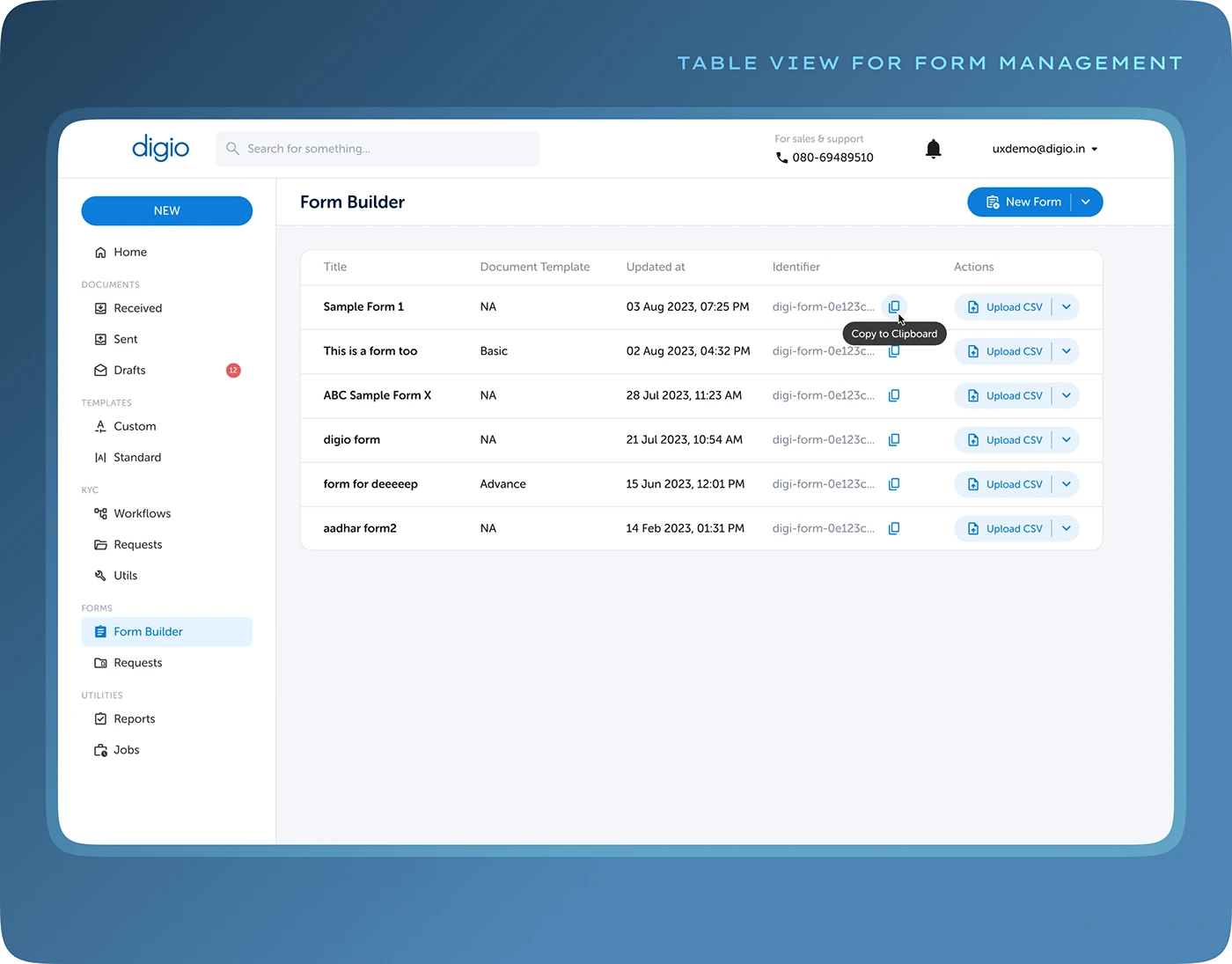
The distinction matters: an orderly list of configured forms tells an editor where to work. It does not demonstrate what happens after a customer taps a social link, opens the keyboard, chooses a file and receives a confirmation.
Keep configuration review and journey evidence together. The first tells you what should happen; the second records what actually happened on the affected route. Neither should be replaced by an attractive preview.
If paid social traffic is arriving while the form fails
Give the campaign owner the affected destination and reproduction route, not just “the form is broken”. Agree whether an already tested alternative destination or contact method can preserve the enquiry path during investigation. Keep any temporary change visible to the person responsible for reporting and restore it deliberately after acceptance.
Compare different steps separately: an advertising click, a page visit, a browser success event, an accepted form entry and a qualified enquiry are different observations. A rise in one does not establish a rise in all the others. If you cannot reliably distinguish embedded-browser traffic in your measurement, say so rather than inventing a conversion rate for it.
Illustrative investigation: the same small allowed document opens in the regular browser, while the affected app route never opens its file picker. That observation makes the picker and entry route a useful next focus. It does not prove that email delivery is healthy, that every attachment would fail or that changing the form plugin is necessary.
Record the time of a destination or form change with the campaign team. Otherwise, a later lead count may combine different experiences and make the repair difficult to assess. Ask sales to identify the agreed test references and report genuine enquiries through their normal process. The useful outcome is a customer who can ask for help and a team that can explain what happened.
Agree what counts as repaired
After a focused fix, repeat the original social entry route and the regular-browser comparison on the relevant real devices. Include the consent state, conditional fields and attachments involved in the complaint. A desktop screenshot can confirm layout; it cannot certify an in-app browser test.
- The customer can reach and operate the relevant fields and button.
- Validation explains a recoverable problem in the visible interface.
- The accepted submission has the expected destination record, where recording is configured.
- The agreed notification or downstream handover is checked separately.
- The customer sees a clear outcome and has no reason to submit repeatedly.
Keep the tested app/device versions, date, change and remaining limitations in the handover. If a workaround is retained, name who owns it and when it should be reviewed. This is a proposed acceptance approach; it is not a report of a repair or device test performed for your business.
Why does a WordPress form fail inside Instagram or Facebook?
If your form works in Safari or Chrome but fails after a visitor opens a link inside Instagram or Facebook, compare the complete entry route before changing email settings. The failure may happen at the tap, validation, script loading, file picker, submission request or notification. “It works on my phone” is not enough if you opened the page in a different browser.
Start by opening the same destination from the affected app and in the phone’s regular browser. Keep the device, form values and test conditions comparable. Record the first step that differs. Do not assume every in-app browser has the same limitation, or that every failed submission is an SMTP problem.
This guide is for website owners and teams losing enquiries from social traffic. For a problem that also occurs outside those apps, start with our broader WordPress form works on desktop but fails on mobile guide.